In modern digital design, it’s often the smallest details that make the biggest difference. Enter micro-animations—those subtle, purposeful movements that guide users, add delight, and bring interfaces to life.
They may last less than a second, but when used right? They can completely transform a user’s experience.
⚙️ What Are Micro-Animations?
Micro-animations are small, functional motion elements that help users:
- Understand what’s happening (feedback)
- Know where to go (guidance)
- Feel connected to the interface (delight)
Think of them as the body language of your UI—subtle cues that improve communication between product and user.
🎯 Where Micro-Animations Work Best
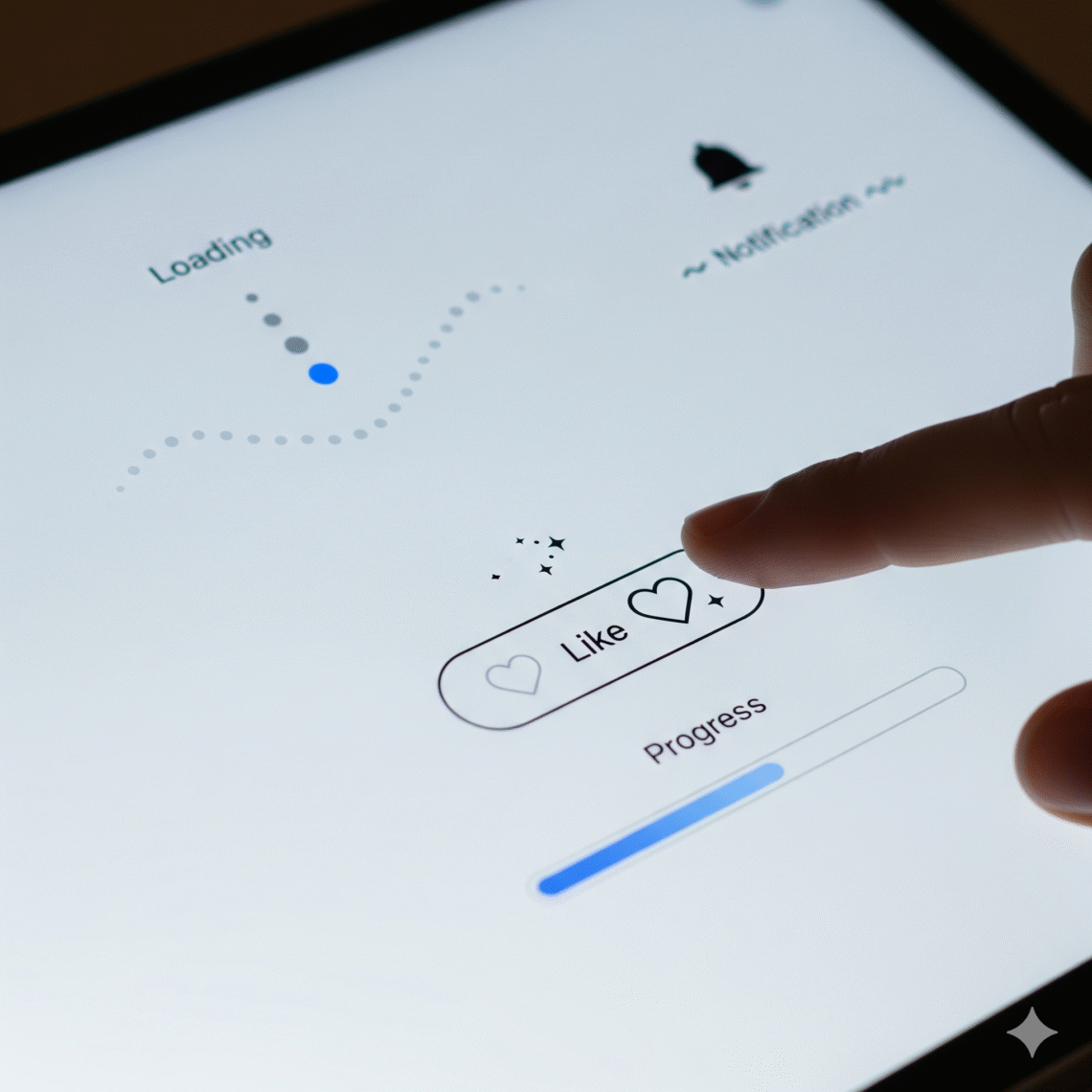
👉 Button Feedback
A ripple, a bounce, or a color shift shows the tap worked.
👉 Loading Indicators
Animated progress bars or loops keep users informed (and patient).
👉 Navigation Transitions
Slide-ins, fades, or swipes help users understand where they’re moving.
👉 Success/Failure Messages
A checkmark that ticks in, or a red shake for an error—it’s all about emotional clarity.
👉 Hover States & Icons
Micro-movement on hover adds responsiveness and encourages interaction.
💡 Why They Matter
- Guide attention: Direct users without saying a word
- Build trust: Smooth, intentional motion makes your product feel more “alive” and responsive
- Add delight: Tiny moments of joy = better user retention
- Clarify function: Help users “read” the interface naturally
🧪 Best Practices
- ✅ Keep it short: 150–500ms is usually the sweet spot
- ✅ Match the brand’s tone: Playful? Sleek? Minimal? The motion should reflect it
- ✅ Use restraint: Don’t overdo it—too many animations can distract or slow things down
- ✅ Design with purpose: Every motion should help, not just decorate
🔧 Tools Designers Love
- Figma + Smart Animate for prototypes
- Lottie for lightweight, scalable animations
- Framer, Rive, or After Effects for advanced motion work
- React Spring / Framer Motion if you’re working with devs
🧠 Wrap-Up: Tiny Details, Big UX Wins
Micro-animations aren’t just design flourishes—they’re functional, emotional, and strategic. When done well, they make users feel like your product gets them.