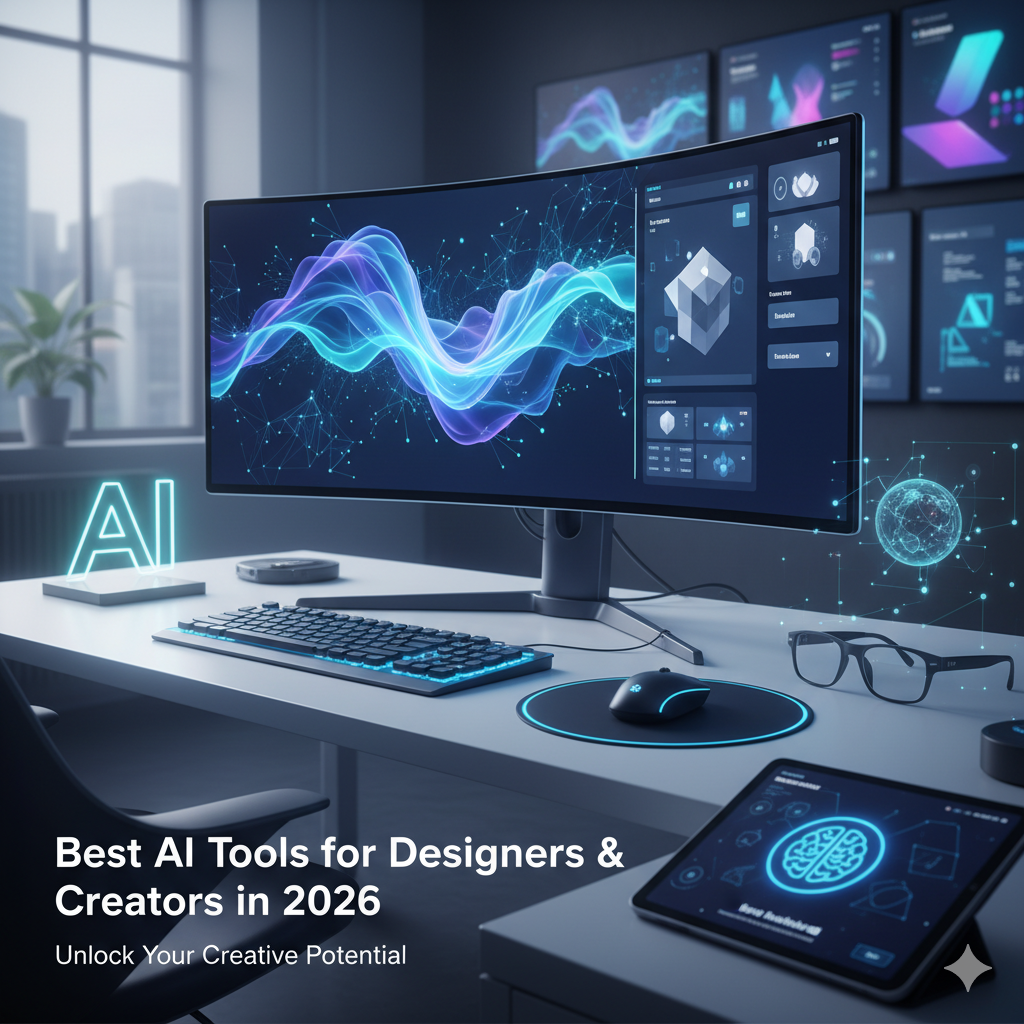
AI tools have officially moved from “cool experiment” to core part of the creative workflow. Whether you’re designing a brand, prototyping a website, or illustrating a visual story — AI can speed things up, spark new ideas, and handle the boring stuff for you.
But with hundreds of tools popping up every month… which ones are actually worth using?
Here’s a curated list of the best AI tools for designers and creators in 2026 — organized by category, not hype.
🎨 Visual Generation & Concept Art
These tools turn prompts into stunning visuals — from concept art to marketing mockups.
- Midjourney v7 — Still a favorite for rich, stylized images with creative control. Best for moodboards, brand exploration, and surreal aesthetics.
- Krea AI — Real-time visual generation, great for concept artists and illustrators who want speed without losing nuance.
- DALL·E 3 (via ChatGPT) — Precise prompting, inpainting, and scene variation built into the flow. Perfect for designers who want image editing with generation.
- Leonardo.Ai — Commercial-use ready and style-customizable. Strong for game art, product renders, or graphic design visuals.
🖼️ Branding, Layout & Design Systems
These tools help automate parts of the branding or layout process.
- Looka — Logo + branding kits in minutes. Ideal for startups or small businesses.
- Uizard — AI-powered wireframing and UI design from text prompts. Perfect for product teams or solo founders.
- Galileo AI — UI mockups from natural language. Focused on speed over pixel-perfection — good for prototyping and client presentations.
✍️ Typography, Font & Copy Tools
- Fontjoy AI / Prototypo — Smart font pairing and generation.
- Copy.ai / Jasper / Notion AI — For UX copy, taglines, or quick creative writing.
- Typeset.ai — Assists with layout typography for presentations and design decks.
🎞️ Motion, Animation & Video Editing
These tools are blowing up in 2026 — especially for reels, promo videos, and short-form storytelling.
- Runway ML — From text-to-video to video editing with AI. Used by creatives, marketers, and indie filmmakers.
- Pika — One of the fastest-growing video gen tools. Text-to-video with cinematic flair.
- Kaiber — Great for music videos or animated mood pieces.
- Rive — Real-time, interactive motion design for UI animations.
🛠️ Everyday Creative Helpers
Tools that live in your workflow and quietly boost everything you do:
- Figma AI — Built-in to the design process for auto-layouts, naming, and mockup suggestions.
- Photoshop AI (Firefly) — Content-aware fills, generative expand, and smart selection.
- Canva Magic Studio — Drag-and-drop design meets prompt-based editing — good for content creators and marketing teams.
📐 3D & Product Design Tools
- Spline AI — 3D scenes from text, ready to embed or animate. Game devs and product designers love this.
- Shap-E / Meshy — Text-to-3D models for prototyping, packaging, and creative exploration.
- Blender with AI plugins — The OG, now AI-augmented with rigging, lighting, and material suggestions.
🧠 Bonus: Tools That Think With You
- ChatGPT + DALL·E / Advanced Data Tools — Use it as your brainstorm partner, visual idea generator, and task planner — all in one chat.
- Notion AI — Writing, brainstorming, and knowledge management for creative teams.
- Perplexity AI / Arc Search — Research faster with sources cited and visuals included.
💡 Final Tip: Pick Tools That Match Your Role
- Illustrators & artists → Midjourney, Krea, Photoshop AI
- UX/UI designers → Figma AI, Galileo, Rive
- Motion & content creators → Runway, Pika, Canva Magic
- Branding & freelancers → Looka, Leonardo, Copy.ai
🧭 Wrap-Up: AI Won’t Replace You — But It’ll Definitely Work With You
In 2026, the smartest creatives aren’t trying to “beat” AI — they’re collaborating with it. Whether you need a quick layout or a wild new visual direction, these tools help you move faster without losing your voice.